
Midjourney Food Photography: Better AI Tools for Restaurants
Quick navigation:
The Shift in Food Marketing Visuals
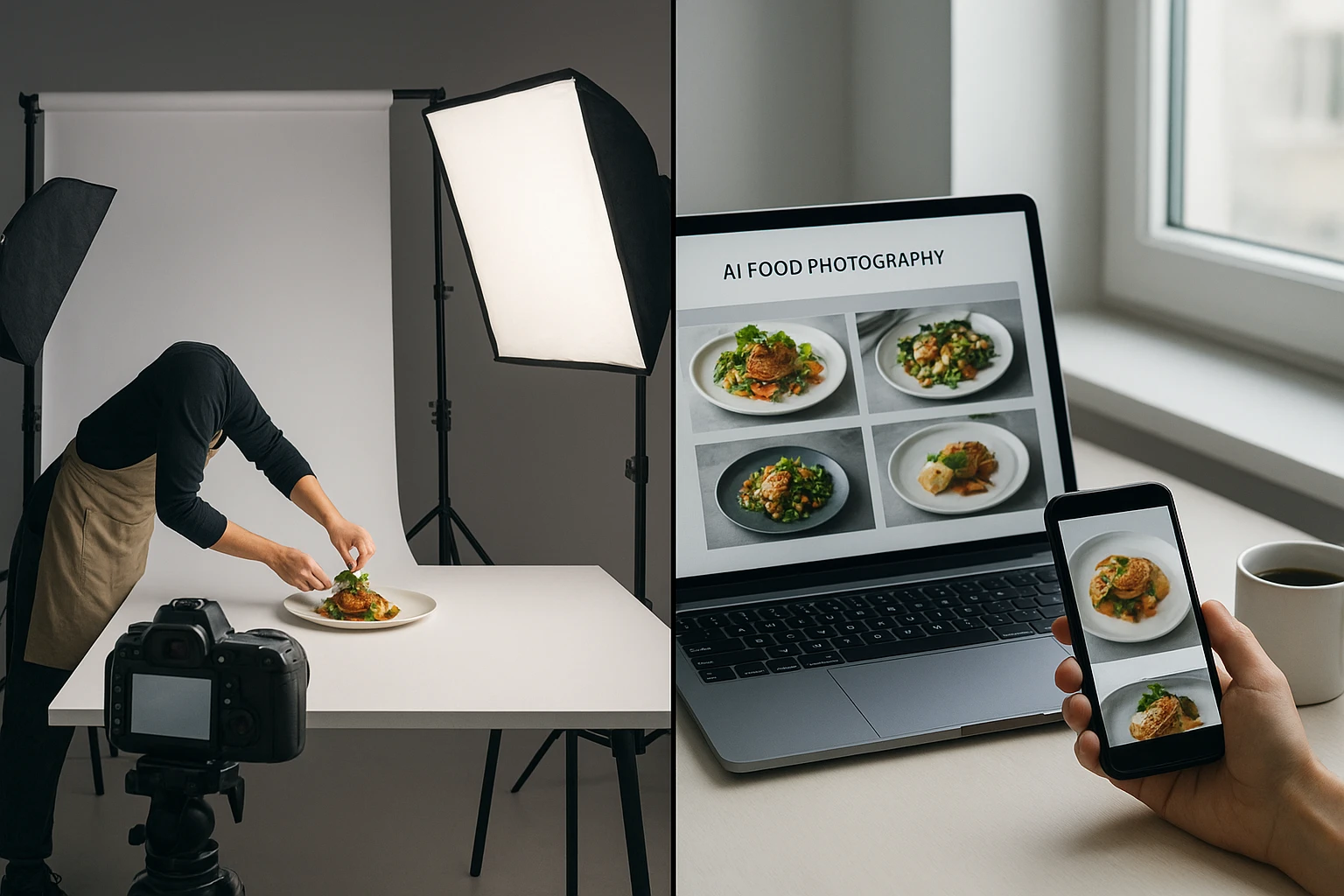
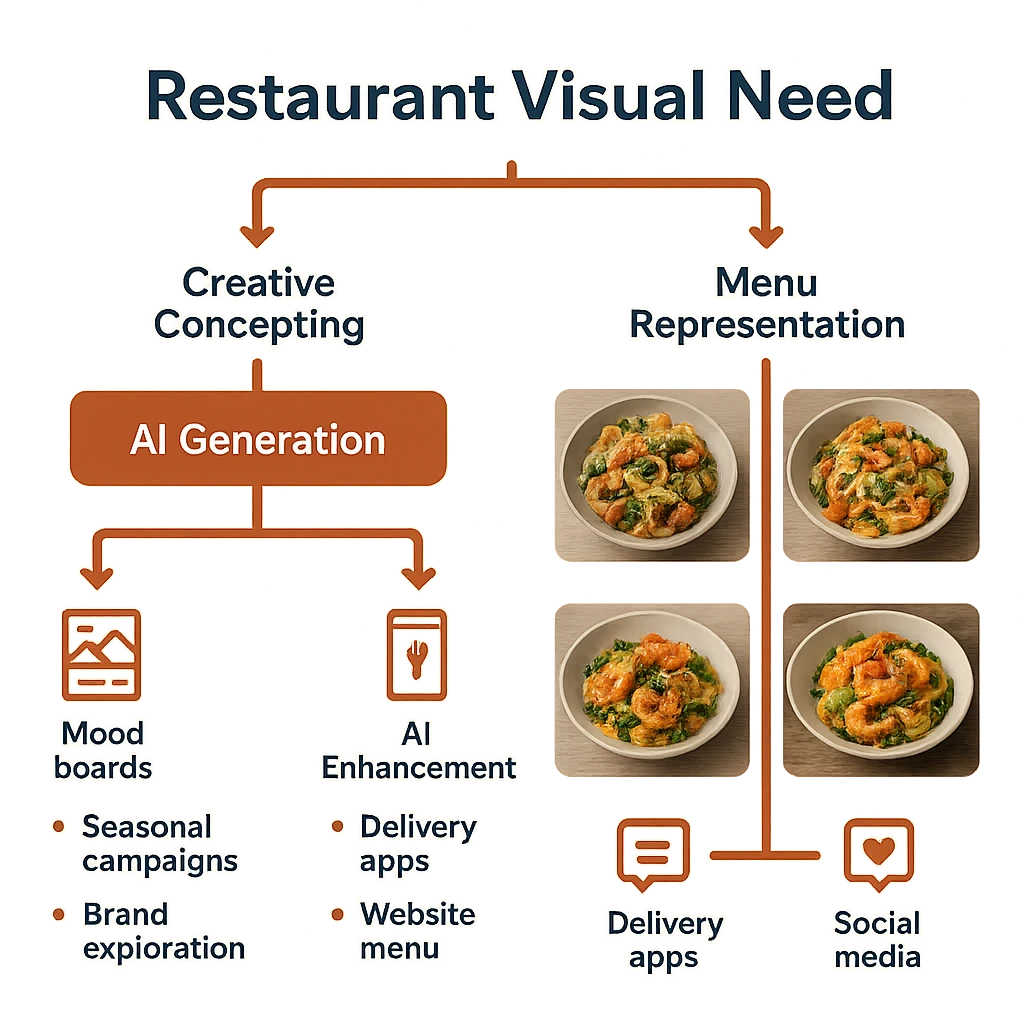
Restaurant marketing has changed a lot in the past decade. It started with pro menu photos and printed flyers. Now it spans delivery apps, social media, and digital ordering platforms. This shift created new demands. Restaurants need more images, faster turnaround, and the same quality. Old-school photos struggle to keep up.
DoorDash’s team studied this problem. They found that image quality directly affects order rates. High-quality, matching visuals boost buyer interest and sales https://doordash.engineering/2023/07/25/optimizing-marketplace-content-with-a-flexible-ai-powered-photography-solution/. For restaurants with dozens or hundreds of menu items across platforms, this creates a big challenge.
The pandemic sped up digital use. Online menus became the main way buyers interact with restaurants. Food imagery had to do more than look good. It needed to meet platform specs, load fast on mobile, and turn viewers into orders. Old-school photoshoots cost $150-300 per dish. They also need weeks of planning. This makes them impractical for frequent updates.
This gap created demand for AI fixes. But not all AI tools are the same. Restaurant owners trying midjourney food photography quickly find a problem. General AI tools put creativity over sameness. They make stunning one-off images. But they struggle with brand unity. Multi-location chains and delivery brands need the same look across all images.
Restaurant Visual Hierarchy
| Tier | Use Case | Frequency | Tool Type |
|---|---|---|---|
| Signature | Brand campaigns, homepage hero | Quarterly | Pro shooter |
| Core Menu | Delivery apps, website menu | Seasonal updates | AI-powered boost |
| Daily Content | Social media, promos | Daily/weekly | AI making or boost |
| Testing | A/B variations, seasonal items | Campaign-based | Rapid AI iteration |
This hierarchy helps match the right tool to each visual need. Not every image needs a pro photoshoot. Different tiers justify different spending.
The shift goes on. Restaurants now see that different tiers need different tools. A $2,000 photoshoot for daily Instagram posts wastes money. Using midjourney food photography for a Michelin Guide entry wastes effort. Match the tool to the task.
Midjourney vs. DALL-E: How General AI Handles Food
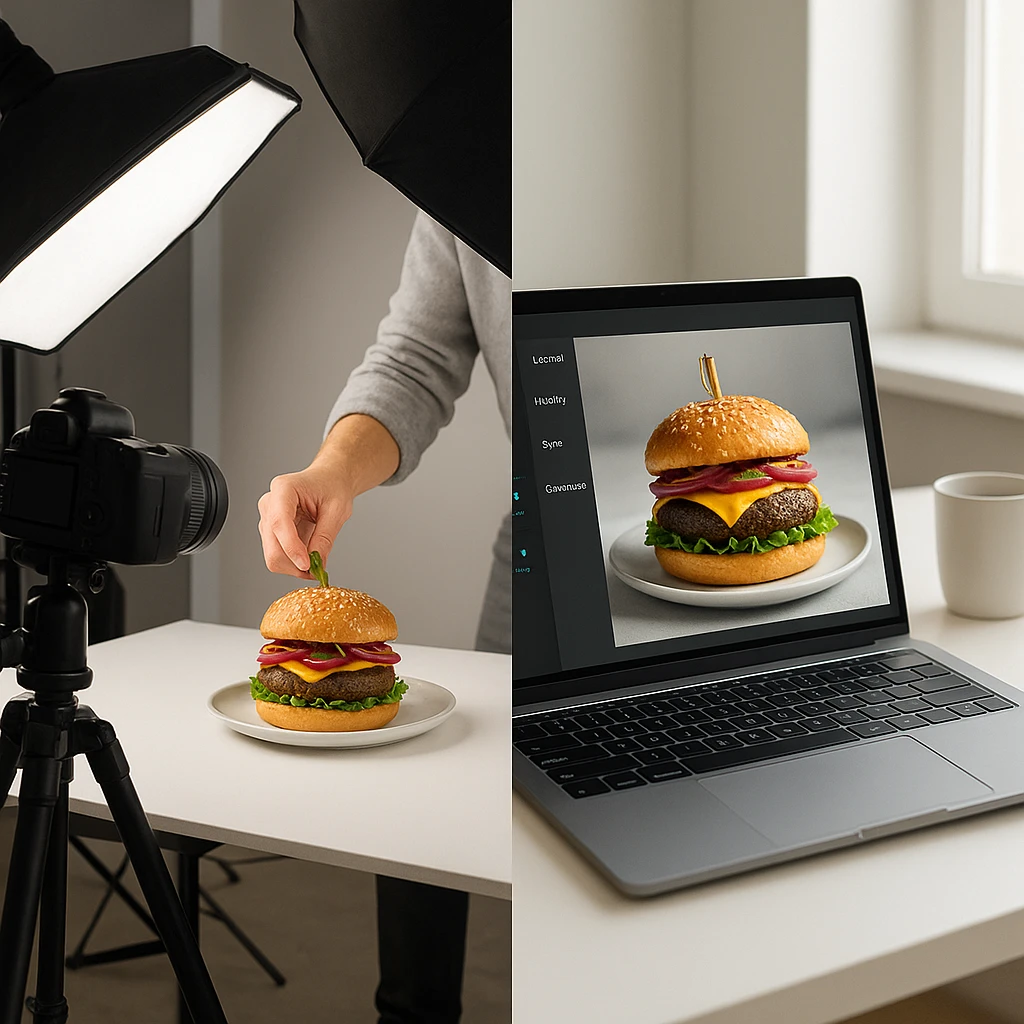
The Spoon tested leading AI image tools for food. They found big limits https://thespoon.tech/we-tested-the-latest-ai-image-creation-tools-to-see-how-they-did-with-food/. Tools like Midjourney and DALL-E 3 can make striking food images. But they struggle with accuracy and sameness. They also fail to meet real restaurant needs. A midjourney food photography test might create a beautiful burger. But getting that same burger from different angles is hard.
The core issue is how these models learn. General AI tools train on broad internet data. This includes fine art, social media snaps, and other AI images. The result is great visual range. But it makes steady, brand-aligned output hard. OpenAI’s DALL-E 3 docs say the system favors creative takes over literal accuracy https://openai.com/research/dall-e-3-system-card. For restaurants, this is a problem. They need their dishes to look the same across all platforms. Creative freedom becomes a bug, not a feature.
Imagga found more gaps in their AI food photo study https://imagga.com/blog/generative-ai-for-commercial-food-photography-ready-for-prime-time/. Portion sizes vary. Brand colors drift. Text and logos render poorly. These issues affect all general AI tools. Think of McDonald’s showing their Quarter Pounder. They can’t use AI that might change the cheese-to-bun ratio. Or alter their iconic wrapper color.
General AI Tool Comparison for Food
| Tool | Strength | Limit for Restaurants | Best Use Case |
|---|---|---|---|
| Midjourney | Artistic styling, dramatic lighting | Mixed results, no brand controls | Mood boards, creative concepts |
| DALL-E 3 | Text grasp, detailed prompts | Random output, hard to iterate | Creative takes, brainstorming |
| Stable Diffusion | Tweakable, open source | Needs technical skills | Technical teams with custom workflows |
| Focused Food AI | Brand sameness, food checks | Less creative, more practical | Ongoing restaurant work |
This table shows why restaurants struggle with general AI tools. Each has strengths for creative work. But none solves the core business problem: the same brand imagery across hundreds of menu items.
For restaurants, this chaos is a problem. Artists love it. Restaurant owners don’t. If you manage a 50-item menu across three delivery apps, you need sameness. Your chocolate lava cake must look like your chocolate lava cake. Not an AI’s creative take on what lava cake should be.
This doesn’t mean general AI has no value. Smart restaurants use Midjourney and DALL-E during creative phases. They explore style directions. They test visual concepts for seasonal campaigns. They brainstorm plating ideas before the real shoot. But for menu images that show actual dishes, they use focused tools. Knowing the limits of midjourney food photography helps you pick the right tool for each job.
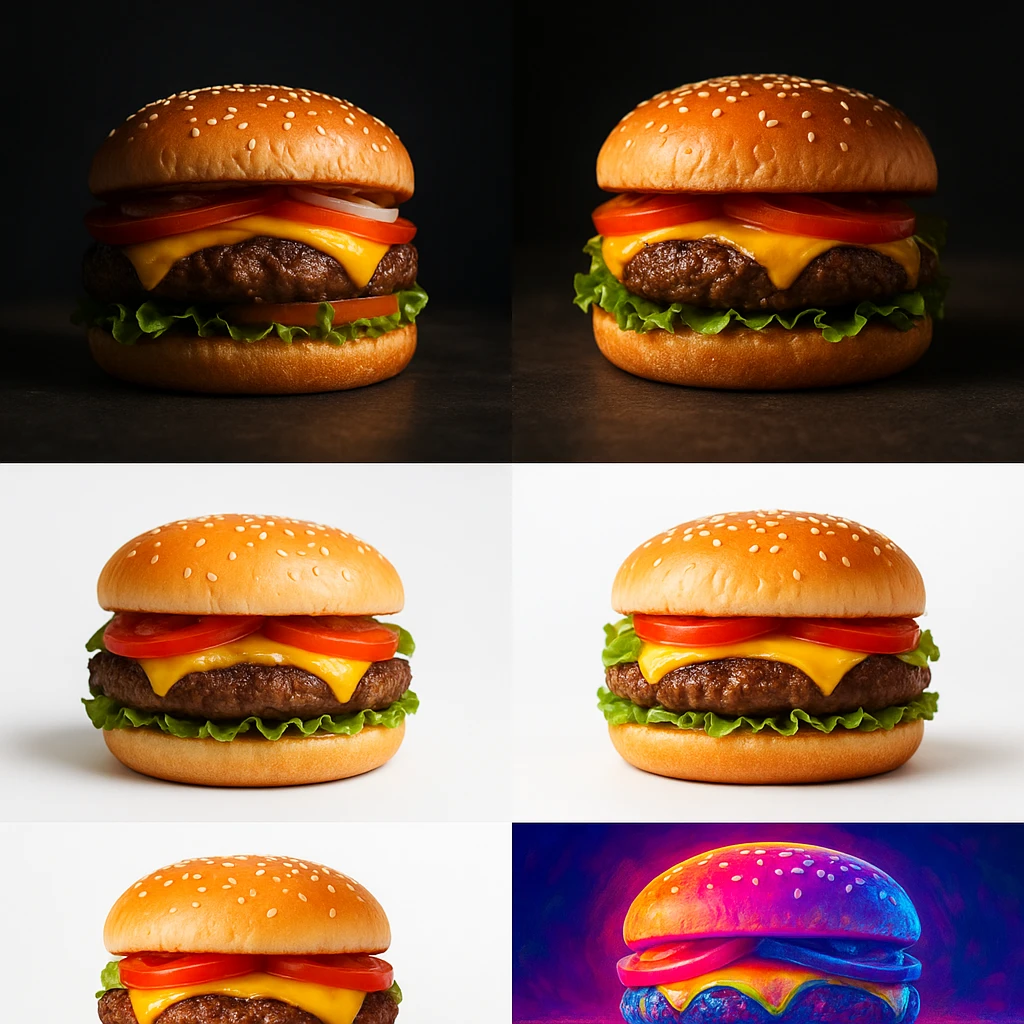
The images above show different lighting, styles, and colors for similar dishes. This shows the brand sameness problem with general AI tools.
Focused Tools: Yummify and AI Boost
Focused AI food photo platforms work differently. They don’t create food from the mind. Instead, they work with your actual dishes. You upload reference photos or text info. The AI applies steady styling based on your brand. Yummify, for example, checks that uploaded images contain food. Then it applies branded settings you define once and reuse across all your images.
The difference matters. Boost improves what exists. Making creates from scratch. Say a pizzeria wants to promote their pepperoni pizza. Boost keeps the real product but improves how it looks. Making might create a beautiful pizza. But it won’t be their pizza.
Restolabs says AI works best alongside pro imagery, not as a stand-in https://www.restolabs.com/blog/role-of-ai-in-food-photography. The best approach is often hybrid. Use pro shooters for key items. Use AI for high-volume items and fast iteration. Use boost tools to turn existing photos into polished marketing assets.
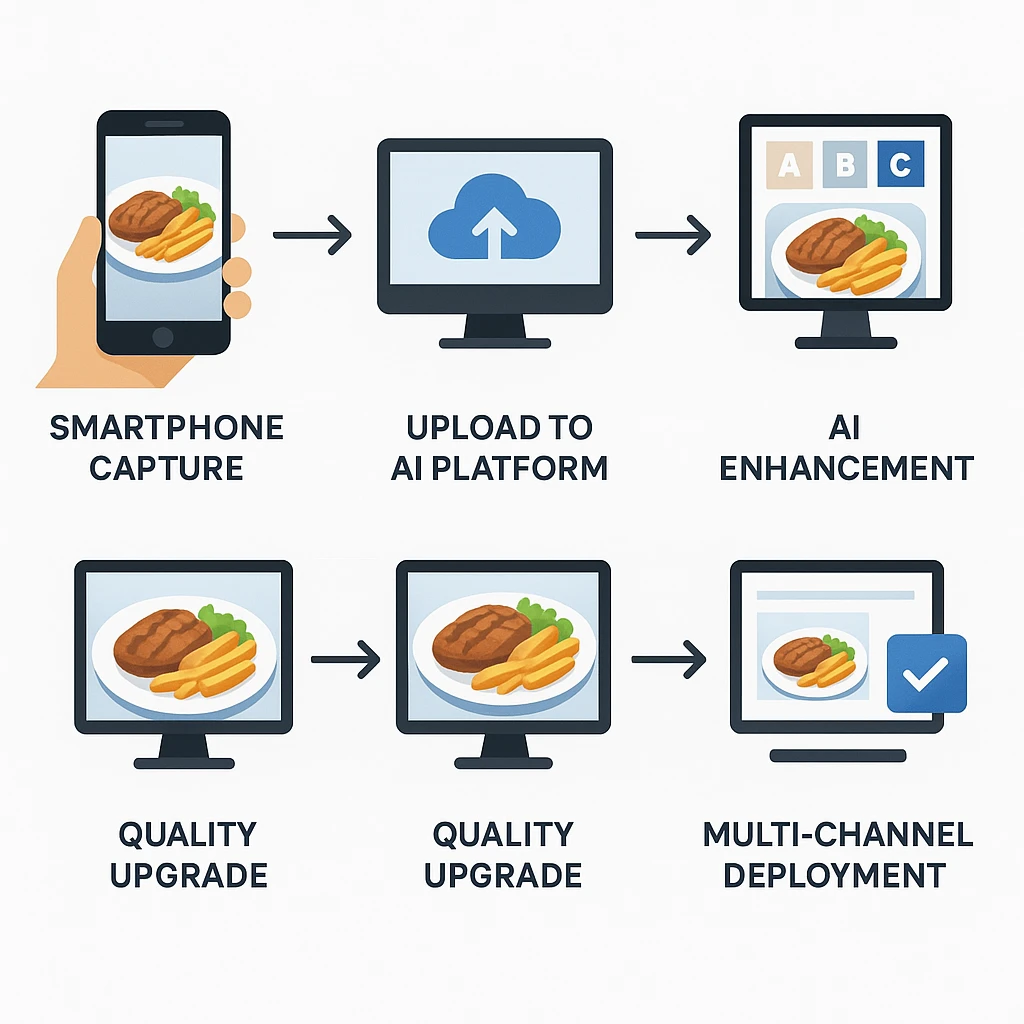
AI Boost Workflow Checklist
- Capture reference photo: Use your phone with decent natural lighting-no studio setup needed
- Define branded setting: Set your style choices (lighting, ambiance, look) once for reuse
- Make initial batch: Create multiple style takes to test different approaches
- Select and upgrade: Find best results, upgrade quality for final use
- Deploy across channels: Use best versions for delivery apps, social media, website
Yummify’s credit-based plan makes this workflow flexible. Old-school photos cost $150-300 per dish. With Yummify, you make takes at standard quality first. Then you upgrade only the images that do best. This matches how modern restaurants work: test, measure, tune, repeat.
Branded settings fix the main problem with midjourney food photography for business. A Mexican restaurant chain can create a “Rustic Cantina” setting. They pick warm terracotta tones, set lighting, and steady ambiance. Then they apply it to tacos, margaritas, and everything else. The result is unified brand identity across all locations. Getting this with human shooters is hard. Each would read “rustic” differently at each shoot.
For ghost kitchens and virtual brands, this changes everything. They have no dining space to shoot. Now they can build a visual identity without one. This helps them stand out in crowded delivery apps. Before, their only choices were stock photos or basic phone shots.
AI Making vs. AI Boost: Picking the Right Tool
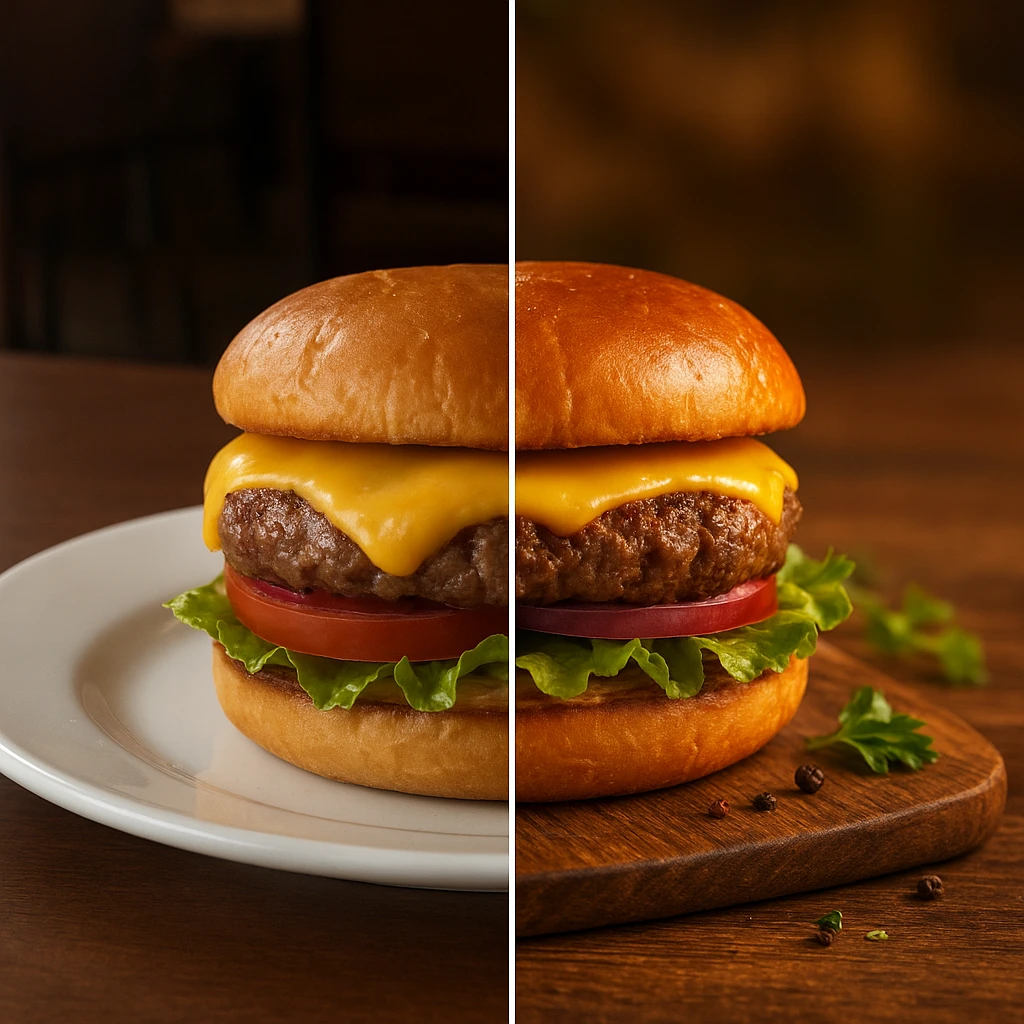
Knowing when to use AI making versus boost saves time and avoids bad results. Each approach serves different needs and marketing goals.
AI Making creates food images from scratch using text prompts. It’s great for concepts, mood boards, and creative digs. Planning a fall campaign? Make 20 autumn-themed dish ideas. Explore visual directions before booking a photoshoot. This is where midjourney food photography shines. The wild creativity becomes an asset during brainstorming.
AI Boost turns existing food photos into polished marketing assets. It keeps your dish real while improving how it looks. Better lighting. Better styling. Better look. This is the workhorse tool. Restaurants use it for menu updates, delivery app listings, and daily social posts. What buyers see matches what they get. This builds trust and avoids bad reviews.
Guide: Making vs. Boost
| Case | Best Approach | Why |
|---|---|---|
| New menu item photos | Boost | Show actual product right |
| Seasonal campaign concepts | Making | Explore creative directions before food prep |
| Delivery app entry | Boost | Meet accuracy needs, build trust |
| Social media range | Making or Boost | Depends on using real food vs. creative content |
| A/B testing takes | Boost | Test different looks of actual dish |
| Brand mood boards | Making | Creative digs without food prep |
This guide helps your tool picks for each case. Use it as a quick reference when planning visual content.
The hybrid approach works best for most restaurants. Use making during planning. Explore concepts. Align your team on visual direction. Use boost for final images that show real menu items. This two-stage process gives you creative freedom and hands-on accuracy.
Think about what buyers expect in your category. Fine dining guests want what they see. AI-made images that overpromise lead to letdown. Fast casual has more room for creative takes. But accurate images for core items still help. Ghost kitchens and virtual brands often rely more on making. They lack spaces for old-school photos. AI boost from reference photos becomes their main tool.
Match your tool to how honestly you want to show your food. Boost keeps things true. Making creates chance. Restaurant marketing needs both, just in different contexts. Midjourney food photography tools create inspiring concepts. Boost tools deliver reliable results for daily use.
Building a Flexible Visual Workflow for Restaurants
The best restaurants treat AI food photos as part of their workflow. It’s not a one-time tool. Start by thinking about your audience. Different channels need different visuals. Delivery app users want clear, tasty shots that load fast and look accurate. Instagram followers like stylized, dreamy imagery. Website visitors expect a mix of product photos and lifestyle content.
Step-by-Step: Restaurant AI Visual Workflow
- Audit current imagery-Review existing photos across all channels. Find gaps, mixed results, and low-doing assets
- Define visual tiers-Sort needs into signature (premium), core menu (hands-on), and testing (trial)
- Create branded settings-Develop 2-3 style presets that match your brand identity for different use cases
- Set up capture rules-Train staff on simple photo capture standards for steady boost results
- Build test process-Set schedule for making, testing, and tuning visual content
- Measure results-Track clicks, sales, and orders to inform visual strategy
Staff training matters more than you’d think. Teach your team basic photo skills. Good natural lighting. Steady camera spot. Clear focus. Their reference photos will produce much better AI results. A 10-minute training session can lift AI output quality across your whole team.
ROI Guide
| Item | Old-school Approach | AI-Boosted Approach | Savings per Item |
|---|---|---|---|
| Photoshoot setup | $50-100 | $0 | Staff handles |
| Shooter time | $150-300 | $0 | Plan-based |
| Food stylist | $400-800 | $0 | AI applies styling |
| Editing time | 1-2 weeks | Same day | Time to market |
| Redo cost | $200+ per reshoot | Minimal | Credit-based |
This guide shows the cost edge of AI boost. Old-school photos need experts and weeks of setup. AI platforms put the tools in your hands.
The workflow edge grows over time. Create a branded setting once. Apply it to hundreds of images for months or years. Train staff on photo capture. They get better with practice. Use data from past tests to guide future choices. Each campaign becomes more useful than the last.
Most restaurants start small. Pick one channel or use case. Prove it works. Then expand. A pizzeria might start with delivery app images. Once the workflow is set, they add social media content. Then seasonal campaign testing as the team gets at ease. This phased approach avoids disruption while building skills.
The real edge isn’t just better photos. It’s speed. You can iterate, test, and tune faster than old-school photos allow. Your rival needs two weeks to update menu photos. You do it in an afternoon. That speed gap turns into sales. Unlike midjourney food photography trials with random results, a set workflow gives you steady outcomes. You can build your business on that.
Next steps
Ready to build a visual workflow for your restaurant? Yummify turns your reference photos into pro-styled images. Use custom branded settings for the same look. Create on-brand imagery for menus, delivery apps, and social media. No photoshoots needed. No stylists to hire. Start with a free trial. Explore branded settings. See your dishes look pro. Unlike midjourney food photography tools that favor art over sameness, Yummify gives you reliable results. Your images look like your actual menu items. Running a ghost kitchen, chain, or single restaurant? Our credit-based plan scales with you. Daily social content or full menu revamps - it handles both. Test takes. Measure results. Tune your visual strategy with the speed top delivery platforms use.
FAQ
Why doesn’t Midjourney work for restaurant menu photos?
Midjourney creates artistic takes, not the same images of your actual dishes. Each prompt gives different results. This makes it hard to keep brand identity across a full menu. Restaurants need steady, reliable output. The images should look like your real food. Creative takes might not match what buyers actually receive.
What’s the gap between AI making and AI boost for food photos?
AI making creates food images from text prompts. It produces creative takes that may not match your real dishes. AI boost turns existing photos into polished marketing assets. It improves how your food looks while keeping it real. Use making for concepts and mood boards. Use boost for accurate menu images and setting the right buyer hopes.
How much does AI food photos cost versus old-school shoots?
Old-school food photos cost $150-300 per dish. Add shooter and stylist fees. A typical 20-dish menu shoot runs $3,000-6,000 over 2-4 weeks. AI platforms like Yummify use credit-based plans. You pay a fixed monthly cost and make many takes. Test dozens of style choices for less than one reshoot would cost. Get same-day results instead of week-long waits.
Can AI food photos look fake or low-quality?
Quality depends on the tool you use. General AI tools like Midjourney favor creativity over realism. This can produce fake-looking results. Focused food AI platforms zero in on boost. They preserve how your real dish looks while improving lighting and look. For best results, start with decent reference photos. Use branded settings for steady styling instead of random making.
Should restaurants replace their food shooter with AI?
AI works best alongside pro photos, not as a stand-in. Use shooters for signature items, brand campaigns, and hero shots. These justify the premium cost. Use AI for high-volume items, daily social content, seasonal menu updates, and A/B testing. Many restaurants hire shooters quarterly for key images. They handle daily visual needs with AI tools. This hybrid approach balances quality and speed.
How do branded settings work in AI food photos?
Branded settings are reusable style presets. They define your visual identity: lighting, color tones, ambiance, and look choices. Create them once. Apply them to all your food images. You get the same look across tacos, desserts, and cocktails. A Mexican restaurant might create a ‘Rustic Cantina’ setting with warm terracotta tones. They use it for starters, entrees, and margaritas. This builds unified brand identity. No need to explain your choices for each new dish.
What types of restaurants gain most from AI food photos?
High-volume spots see the biggest gains. This includes delivery-focused concepts, ghost kitchens, multi-location chains, and fast-casual spots. Food e-commerce brands, meal kit companies, and caterers also gain from fast visual updates. Any restaurant with dozens of menu items across platforms can save time and money. They also get better sameness. Fine dining with limited, stable menus may prefer old-school photos.
Related posts
15 Creative Food Photography Ideas to Make Your Dishes Stand Out
Discover creative food photography ideas to make your dishes stand out. Learn action shots, deconstructed dishes, unique angles, storytelling, and AI tools for stunning food visuals.
Beyond Burgers: AI Food Styling for Diets and Cuisines
Use AI food styling to create accurate vegan, gluten-free, halal, kosher, and global cuisine photos that convert across delivery apps, QR menus, and social.
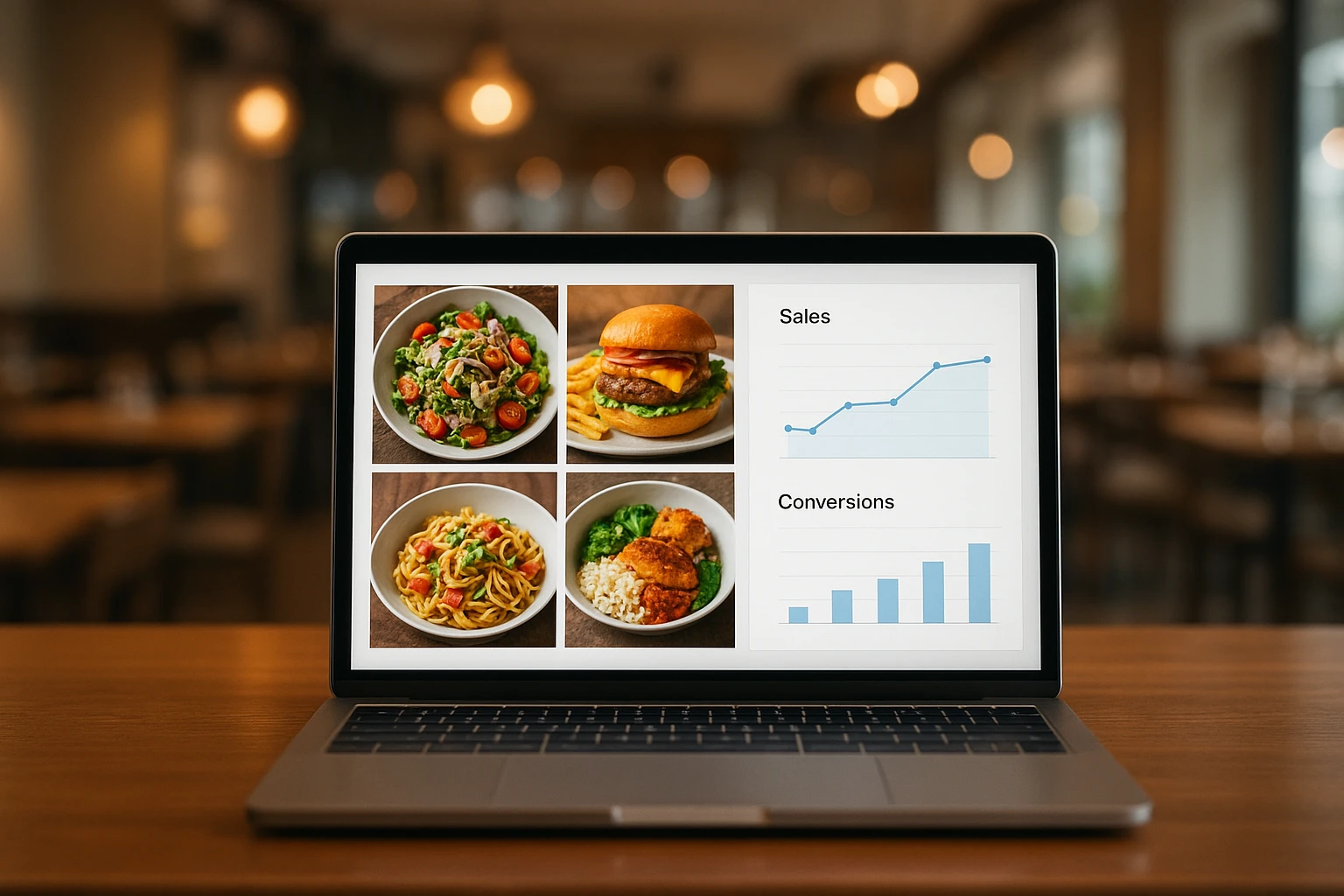
Close the Loop: Tie Food Imagery to Analytics and Sales
Stop guessing which food photos work. Learn a simple workflow to tie Yummify images to analytics, A/B test visuals, and promote only the photos that actually sell.